What UK players should check before cloud gaming
Start with the game, device and current requirements.
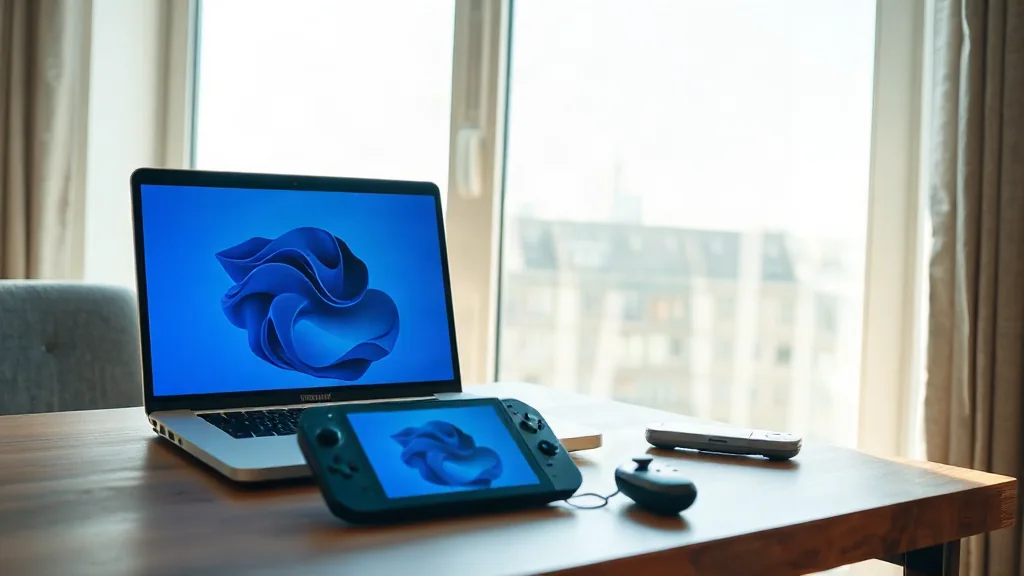
Xbox Cloud Gaming streams supported games on compatible devices. Begin with the current UK catalogue and check the specific game you want to play. Support is the deciding detail; a general interest in the service does not establish whether your chosen title is included.
Next, check the subscription requirements and whether your intended device is compatible. Treat these as separate questions, since meeting one requirement does not answer the others. This gives you a clearer basis for deciding whether the service fits your plans.
Finally, review the connectivity requirements against the connection you intend to use. A useful checklist therefore covers four things: the current UK game catalogue, the required subscription, device compatibility and connectivity. Confirm all four before making a decision around a particular game.